
01
Dúo cotidiano
30 segundos · 1080P · Con voces y beat
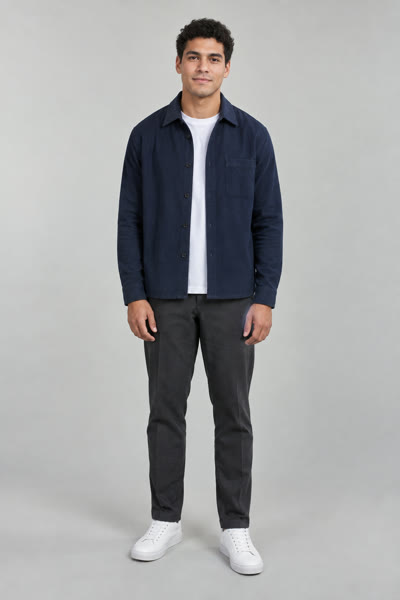
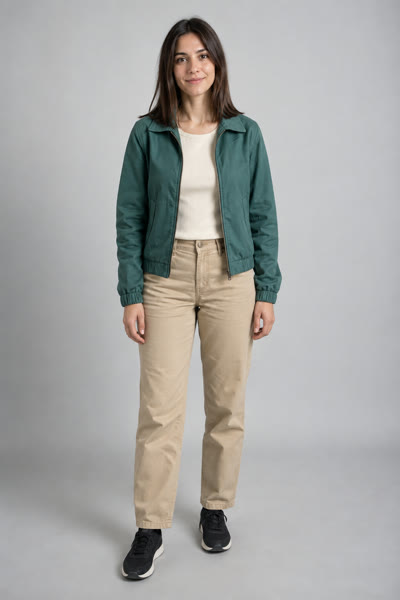
Step-by-step guide
Everything that decides whether your Hotel Lobby AI video looks right: the photos, the settings, the timing — and what to do when a render fails.
5–30 seconds · 480P–1080P · Portrait or landscape
Los selfies de frente y con buena luz funcionan mejor. Una cara por foto — no hace falta que sean tomadas juntas.
Hasta 30 s · Hasta 1080P · Canción original con IA
Comprobando tu saldo de video…
Usa 25 créditos · Se cobran si la generación sale bien
Al crear, confirmas que tienes permiso para usar ambas fotos. Los resultados son generados por IA; los detalles faciales pueden variar.
Al crear, confirmas que tienes permiso para usar ambas fotos. Términos del servicio
Cada video empezó con dos fotos y un solo toque.
Resultados reales generados con personas ficticias creadas por IA. Las actuaciones, la ropa y los fondos cambian entre generaciones.
30 segundos · 1080P · Con voces y beat
30 segundos · 1080P · Con voces y beat
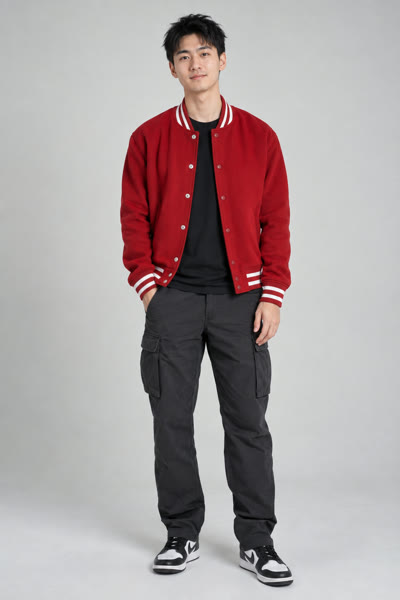
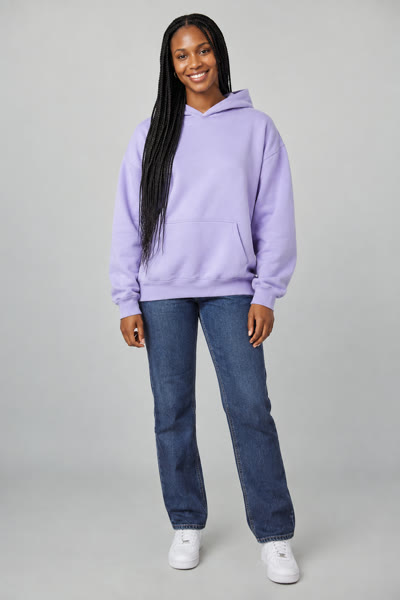
30 segundos · 1080P · Con voces y beat
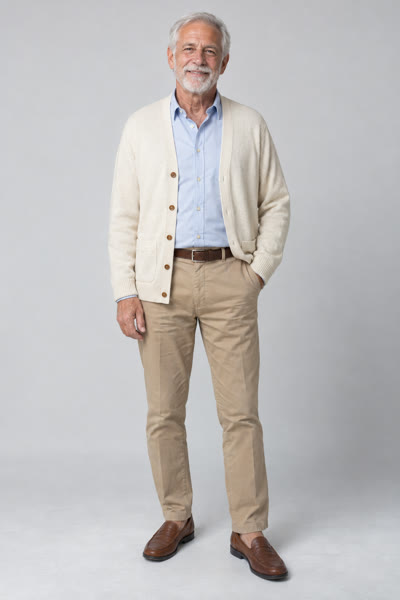
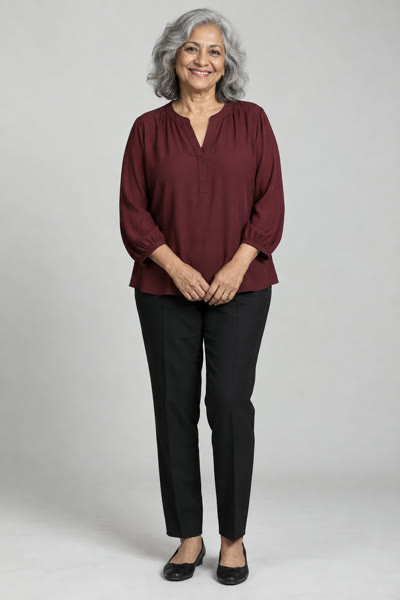
The single biggest factor is photo quality. Use one person per photo, face the camera, keep the light in front of the face, and skip sunglasses, masks and heavy filters. Blurry or very small photos give blurry results.
The two photos don’t have to be taken together, in the same light or even in the same year. Each person is placed on the stage separately, so a photo of you from last summer and a photo of your friend from a wedding both work.
Then decide what you need: a quick vertical clip for TikTok and Reels, or a wider landscape shot. Both use the same stage and the same original AI song.
The first slot always becomes the person on the left of the stage, the second slot the right. Check the order if it matters to you.
Credits are per second of video, so 5 seconds costs a fifth of 30 seconds. Start short to test your photos.
480P is enough to judge the performance; 1080P is what you post.
The render runs on the server and the page streams the progress. Leave the tab open until it finishes.
The practical details that decide how the finished video looks.
One clear, front-facing photo per person with the face well lit and unobstructed. Avoid group photos, extreme angles and heavy filters.
Start with 5 seconds in 480P — your first render is free at those settings. It is the cheapest way to check that both faces look right, then re-render at the length and resolution you want.
Most videos are ready in minutes. Longer and higher-resolution videos take longer, so keep the page open while it works.
Renders can fail when a photo has no clear face, when several people share the frame, or when the service is busy. Try a clearer photo, or generate again. Failed renders are never charged.
Not yet. The stage, the lyrics and the performance are generated for you. Pick the photos and the settings, and the AI writes the rest.
Preview the video, download it and post it with #hotellobby. If you want a different length, render again — each render is billed separately.
Two photos, one stage, an original AI song — usually in a couple of minutes.